

Core service
Wi-Fi & Network Solutions
Business Wi-Fi and wired networks designed around the building, the number of devices and the way the space is actually used.
Poor Wi-Fi is rarely a hardware problem. It is usually a design problem — access points in convenient rather than correct positions, channels fighting each other, and a single consumer router asked to cover a building it was never intended for.
We survey the space, work out where coverage is genuinely needed, and design a network that holds up when the building is full rather than when it is empty.
What this covers
Technical detail
- Wireless
- Wi-Fi 5, Wi-Fi 6 and Wi-Fi 6E access points
- Switching
- Managed and PoE switching to suit the device count
- Segmentation
- VLANs for guest, staff, security and voice traffic
- Cabling
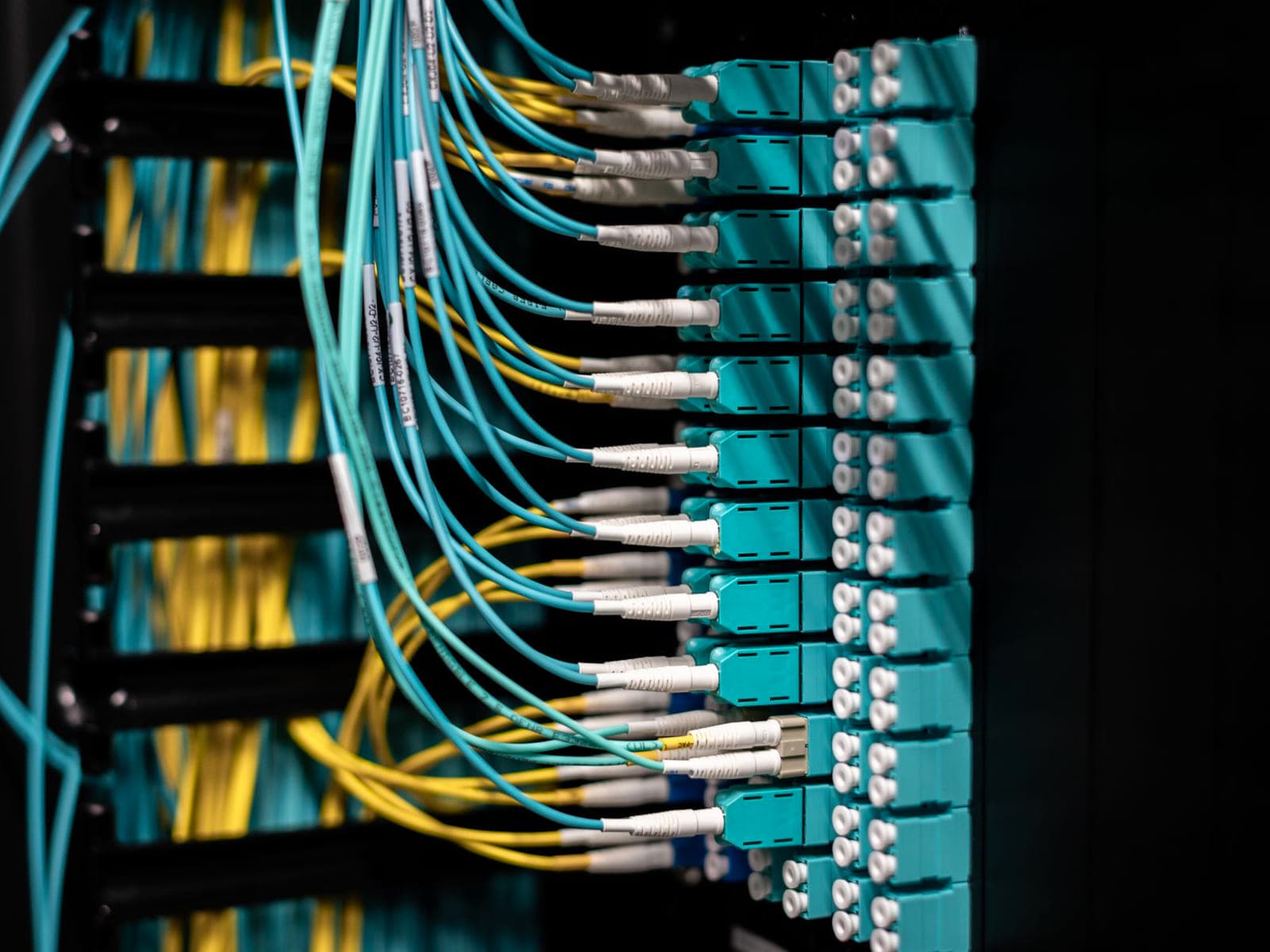
- Cat6 or Cat6A back to a central comms position
- Survey
- Pre-install planning and post-install verification
- Management
- Controller-based or cloud-managed platforms
Not sure what you need?
Describe the property and what has gone wrong before. A short conversation usually settles whether a site visit is the right next step.
Book a consultationWhat you get from doing this properly.
Coverage where it is used
Access point positions follow how the building is occupied — desks, tills, stock areas, yards — instead of being spaced evenly and hoping.
Capacity as well as signal
A strong signal means nothing if the access point is saturated. Designs account for device count, not just floor area.
Separated traffic
Guest access, staff devices, cameras and payment systems can be kept apart so one does not degrade or expose another.
Managed properly
Configuration is documented, firmware is kept current and equipment is chosen so it can be managed centrally rather than device by device.

Typical applications
Five steps, in the same order every time.
- ConsultationWe start by understanding the problem rather than quoting equipment.
- Site AssessmentNothing is specified until the building has been looked at properly.
- Solution DesignA specification you can read, understand and compare.
- InstallationCareful work, clean site, minimal disruption.
- Support & MaintenanceHandover, then an ongoing relationship rather than a closed job.
Usually specified alongside


Next step
Talk to us about wi-fi & networks.
Tell us about the property and what you are trying to achieve. For anything beyond a very small job we will arrange a site visit, because specifying equipment without seeing the building rarely produces an accurate price.